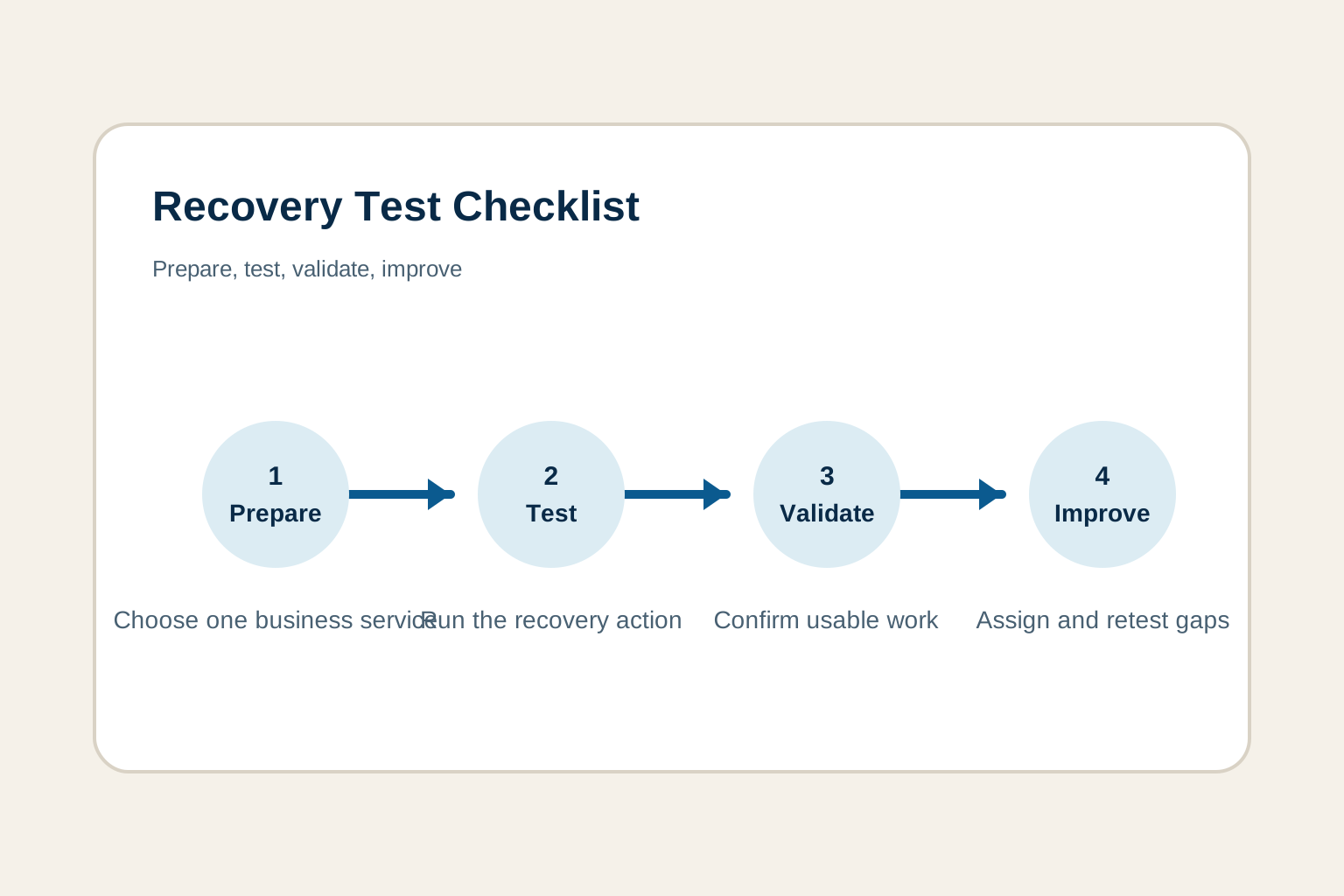
A disaster recovery test is useful only if its results change what the business does next. A completed report is where the exercise becomes evidence: the team can see what was supposed to happen, what actually happened, who confirmed the result, and which gaps now need attention.
This does not need to be an intimidating compliance document. For many growing organizations, it is a focused record that keeps the facts together while they are still fresh. It gives a business owner confidence that the recovery path was tested, and it gives the technical team a practical list of improvements that will make the next test smoother.
Why the report matters after a recovery test
During an exercise, people are busy solving problems. Details disappear quickly once normal work resumes. Without a short report, the team may remember that a restore completed but lose the important lessons: which approval delayed access, which vendor contact was unavailable, which dependency was overlooked, or whether the restored service actually supported a normal business task.
The National Institute of Standards and Technology describes contingency planning as the coordinated plans, procedures, and technical measures used to recover systems, operations, and data after a disruption. Its contingency-planning guidance is a useful reminder that recovery can include technology restoration, safe workarounds, and alternate ways of working. A report should capture the portion of that path the team actually tested.
Start with the test’s purpose and boundaries
Open the report with a plain-language statement of the service and the outcome the test was meant to prove. “Restore one representative client folder” is a technical activity. “Allow the operations team to locate, open, and use a recent client file from a safe recovery location” is a business outcome. The second statement tells everyone what success looks like.
Record the scenario, the systems and vendors in scope, the recovery environment, the test type, and the safety boundary. This makes it clear whether the team performed a tabletop discussion, a focused restore, a partial failover, or a wider exercise. If a critical service has not yet been prioritized, begin with a business impact analysis so the report is tied to the work the business cannot afford to lose.
Also name what the test did not cover. A focused test is not a weakness when its boundary is intentional. A file restore may prove access to current documents, but it does not prove that a line-of-business application, phone system, identity provider, or vendor integration will recover. Clear limits prevent a narrow success from being mistaken for a full recovery guarantee.
Record the target before comparing the actual result
Every report needs the expected recovery target. State how quickly the service should be usable, the oldest acceptable data, and the business action that confirms readiness. These are often called recovery time and recovery point objectives, but the report should make them readable for the people who own the service.
For example, a target might be: “Within four hours, the accounting manager can securely open the restored vendor records, with no more than one business day of missing changes.” The report can then compare that expectation with the actual recovery point and actual elapsed time. If the target was never agreed, record that plainly as a planning gap rather than making up a pass or fail result after the test.
A disaster recovery test plan helps the team set those targets before test day. The report should point back to that plan, then add the evidence from what occurred.
Capture the timeline while the work happens
Do not wait until the meeting is over to reconstruct the sequence. Assign someone to log the start time, major decision points, recovery actions, pauses, handoffs, validation, and close time. The timeline does not need every keystroke. It needs the moments that explain why recovery took as long as it did.
For a restore test, capture when the team identified the correct backup, when access was approved, when the restore began, when the data was available, and when a business user confirmed it was usable. For a tabletop exercise, capture when the group made key decisions, escalated to a vendor, selected a workaround, or discovered a missing role. Those details help distinguish a slow system from a slow process.
The Cybersecurity and Infrastructure Security Agency recommends monitoring an exercise against recovery objectives, issues that could require stopping the exercise, and time, then documenting activities, results, issues, and observations. Its service continuity guidance also recognizes that exercises can progress from tabletop reviews to partial and fuller recovery tests. A consistent timeline lets a team learn from each type without pretending they prove the same thing.
Show the evidence behind the result
A report is stronger when it points to evidence a reviewer can understand. That may include a backup identifier and timestamp, a vendor case number, a screenshot of a successful restore, a test record, a completion message, or a short note from the business user who performed the validation. Keep sensitive material, passwords, recovery codes, and confidential client data out of the report itself. Reference the approved protected location instead.
Evidence should confirm the whole recovery path, not just the technical middle. A green backup job is useful evidence, but it does not prove that a user could authenticate, find the restored material, use the application, or complete the business task. For a more focused data-recovery exercise, use a backup restore test plan to make the expected evidence and user validation repeatable.
Ask a business user to validate the recovered service
This is the part many reports miss. A server, database, mailbox, or file share can look healthy while the business still cannot work. Ask the person who depends on the service to perform one small, normal task. They might open a current record, process a safe test transaction, access an appointment schedule, send a required message, or locate a document needed for a customer conversation.
Record who validated the result, what they did, and whether the outcome met the agreed standard. If a technical restore passed but the business task failed, the report should say so clearly. That is not bad news, it is the precise insight the test was meant to provide. An application disaster recovery plan can help document the people, dependencies, and validation criteria for a high-value application before the next test.
Turn every gap into an owned action
Findings become useful only when they have a next step. Separate observations from actions. “Vendor contact information was out of date” is an observation. “Operations lead confirms support authorization and completes a test call by December 1” is an action someone can close.
For each action, record the gap, why it matters, the owner, a sensible due date, and the verification method. Keep the verification practical. It might be a quick access check, a call to the vendor, an updated runbook reviewed by a second person, or a repeat of the specific restore that exposed the problem. Small verified improvements are more valuable than a long list of concerns with nobody responsible for them.
NIST’s Contingency Planning Guide calls for documenting test results and lessons learned, reviewing them with the appropriate people, and incorporating improvements into the plan. That is the practical loop this action register creates.
Write an honest conclusion leaders can use
The conclusion should answer one question: based on this exercise, what can the business reasonably rely on today? Avoid a vague “pass” when the result was mixed. A concise conclusion can say that the selected records were restored and validated by the business owner within the target time, while also noting that vendor authorization delayed the start and must be corrected before the next test.
That level of honesty builds trust because it separates what was proven from what still needs work. It also helps leaders decide whether the next step is a light follow-up, a more detailed application exercise, a vendor conversation, or a change to the recovery plan. If the test missed its target, explain the contributing facts without turning the report into blame. Was the target unrealistic, was a dependency unknown, did an approval process slow access, or was the runbook incomplete? A specific answer is far more useful than a general concern.
Before the report is closed, have the business owner and recovery coordinator read the conclusion together. They should agree on the service tested, the actual result, the known limits, and the actions that now matter. This short review keeps a technical result connected to business priorities. It also means that a future reviewer can understand the decision without needing to attend the original exercise.
Use the report to plan the next exercise
The most productive next test usually follows the finding from the last one. If a basic restore worked but the business validation was incomplete, repeat the restore with a clear user task. If the technical steps were sound but a vendor handoff caused delay, test the escalation path. If one application recovered well, move to the dependency that supports it, such as identity access, communications, or an integration.
A disaster recovery testing checklist can help the team choose that next focused scope, set safety boundaries, and assign the right participants. Progress does not require jumping from a small file restore to a disruptive company-wide simulation. Repeated exercises that each prove one additional part of the recovery path create much more reliable readiness than a large test that nobody can repeat.
A simple disaster recovery test report template
Use the following record after a focused recovery exercise. Adapt the depth to the service and risk, but keep the basic structure consistent so results can be compared over time.
- Test identification. Give the exercise a clear name, date, test type, service, and scope.
- Purpose and scenario. State what was simulated or restored, why it matters, and what was intentionally out of scope.
- Expected outcome. Record the target recovery time, acceptable data point, and business validation task.
- Participants and owners. List the business owner, recovery coordinator, technical contributors, and vendors involved.
- Timeline. Note the start, major actions, decisions, pauses, validation, and finish time.
- Actual result. Compare the achieved time and recovery point with the target, then say whether the business task succeeded.
- Evidence and limits. Reference the approved records that support the result and name untested dependencies or assumptions.
- Findings and next actions. Assign each gap to an owner, a due date, and a verification step.
- Review and follow-up. Confirm who reviewed the report and when the corrected process will be tested again.
How ShorePointIT can help
ShorePointIT helps organizations turn recovery testing into a practical operating habit. A free technology and cyber risk assessment can identify unclear recovery priorities, backup and access gaps, vendor dependencies, and the first service worth testing. For teams that need ongoing ownership, ShorePointIT’s managed service levels bring responsive support, backup oversight, recovery planning, and technology leadership together.
Start with one service and one focused test. Record what happened while the facts are clear, assign the improvements, and use the report to make the next test calmer and more useful than the last.