
A disruption creates two problems at once. One team needs to restore systems and essential work. Everyone else needs to know what is happening, what they should do, and when they will hear more. A disaster recovery communication plan keeps those needs from competing with each other.
This is not a public-relations script or a binder full of messages no one can find. It is a practical playbook for deciding who owns updates, who needs them, which channel still works, and what information can be shared at each stage. A clear plan protects the recovery team from a stream of avoidable questions while giving employees, customers, and partners useful direction.
Start with the business impact
Before writing messages, define the interruption in plain language. What work is affected? Who cannot complete an important task? Is the problem limited to one application, a location, a group of employees, or a customer-facing service? Those answers determine who should hear from the business first.
Use the priorities from a business impact analysis to focus the plan on essential work. A scheduling platform, payment system, client portal, shared file service, or line-of-business application may each need a different audience and a different urgency. The technical symptom is not always the right headline. “Employees cannot access customer records” is more useful to a business leader than “database service is unavailable.”
For a suspected security incident, be especially careful. Technical recovery and fact-finding can happen in parallel, but messages should not speculate about cause, scope, or exposed information. The CISA Cyber Essentials Toolkit separates incident response from disaster recovery and calls for assigned roles, procedures, and communication planning. That distinction matters when restoring too quickly could create more risk.
Name a communications owner and backups
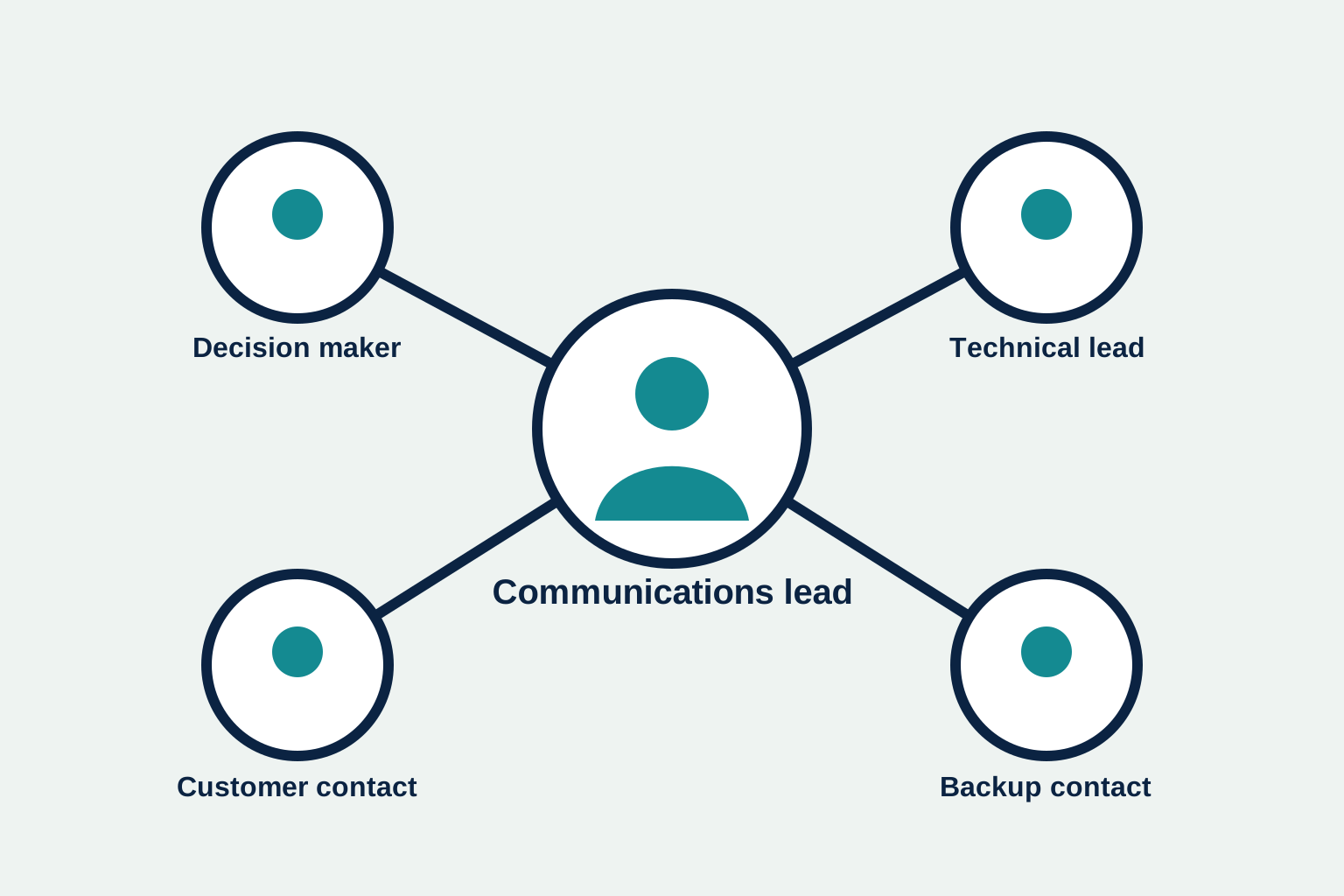
The person leading the technical recovery should not also be answering every employee, customer, and vendor message. Assign one communications lead who gathers approved facts from the incident or recovery lead, prepares updates, tracks the next update time, and keeps messages aligned across channels.
Give that person an alternate. Then define the people who can approve a customer-facing update, make a business decision, validate that a service is usable, and speak to a key vendor. Keep phone numbers, alternate email addresses, support-account ownership, and escalation routes in a protected contact record, not inside a broadly shared document.
Build an audience and channel matrix
A single all-company message is rarely enough. Build a short matrix for every important audience. For each one, record the owner, the reason for the update, the primary channel, a fallback channel, the approval required, and the expected timing. Keep it simple enough to use without translating it during an outage.
- Recovery team: receives detailed facts, assignments, blockers, and handoffs through an approved working channel.
- Business leadership: receives the business impact, decisions needed, known risks, and the next update time.
- Affected employees: receive clear instructions on what is unavailable, safe alternatives, and where to get help.
- Customers or partners: receive only the information that affects their work, with a reliable place to check status.
- Vendors: receive the incident details, support reference, technical contacts, and urgency needed to act.
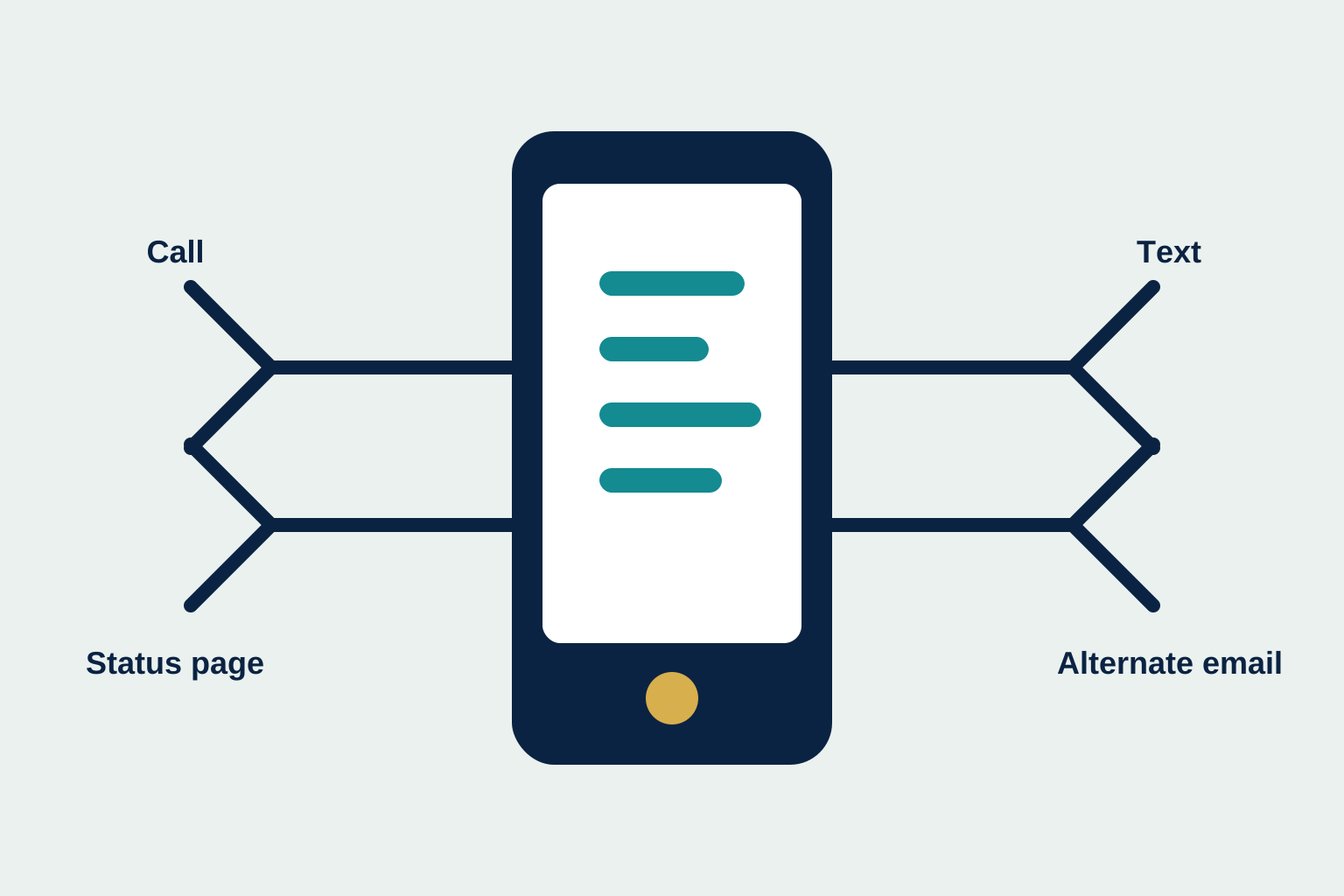
Do not assume the normal channel will be available. If email depends on the affected identity system, it may not be the best first choice. Decide whether phone, text, a status page, a collaboration tool, a vendor portal, or a call tree is appropriate for each audience. Test the fallback path, including who can access it after hours.
Write messages around what people need to do
Prepare a few short message structures before the emergency. They should be plain, calm, and specific about the next action. Avoid a vague “we are aware of an issue” message when you can say who is affected and what is being done.
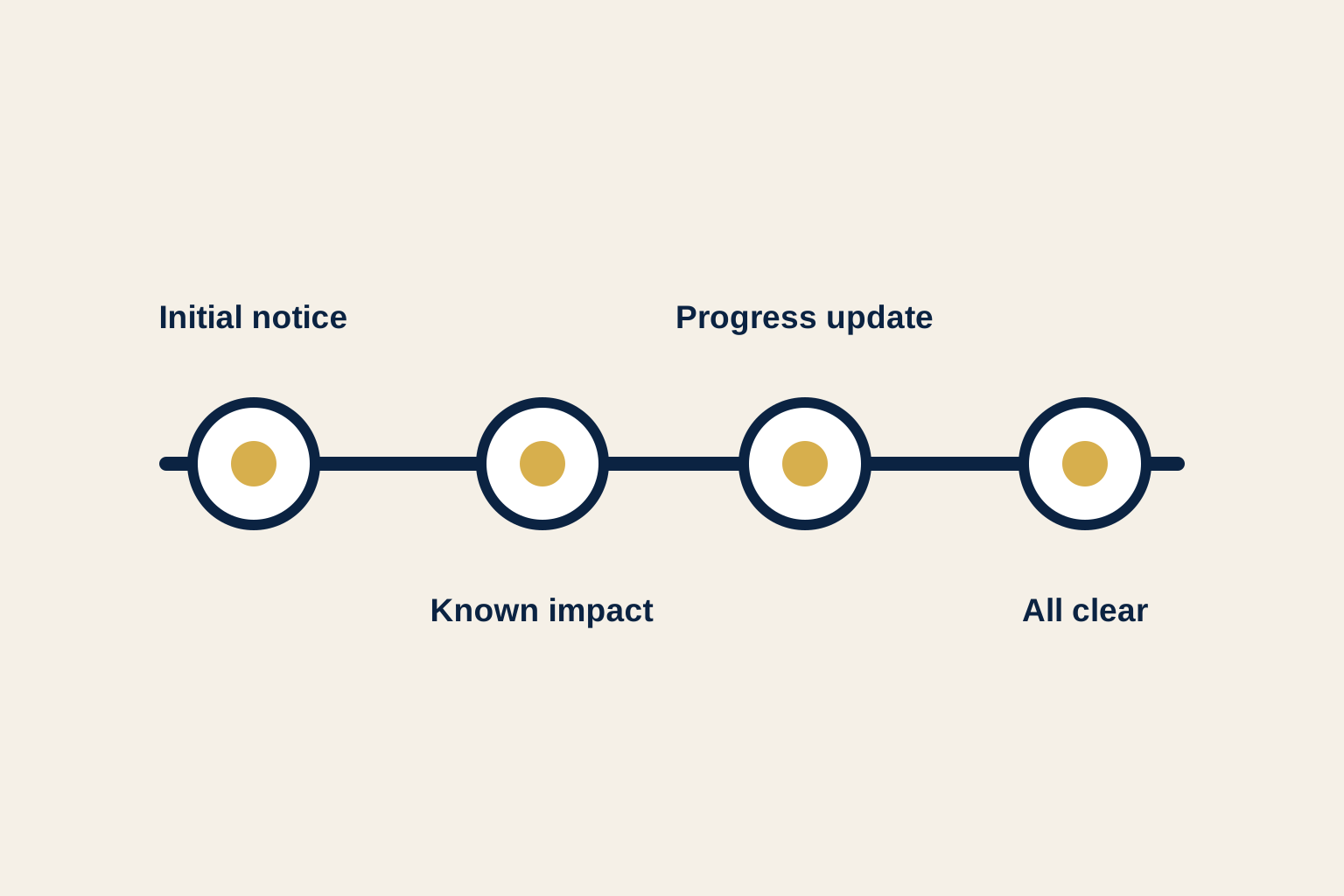
An initial internal notice can include the time the issue began, the affected service or work, the temporary instruction, the owner of the recovery effort, and the time of the next update. A customer update can state the service impact, the safe alternative if there is one, what the business is doing, and where to find the next confirmed update. Keep technical detail proportional to the audience. People need enough information to make a sound decision, not a stream of unverified troubleshooting notes.
NIST’s contingency planning guidance includes notification and awareness escalation during recovery, then validation before declaring a system operational. Use the same discipline in your messages. State what is known, say what will happen next, and do not call the service restored until the responsible business owner can perform the work it supports.
Set a useful update cadence
People cope better with a disruption when they know when they will hear next. The plan should set a cadence, not an invented resolution time. During a fast-changing event, the recovery lead may provide an internal update every 30 minutes. A customer-facing update may be less frequent and only follow after facts are confirmed.
Each update should answer four questions: what has changed, what remains affected, what action should the recipient take, and when is the next update due? If there is no material change, say that recovery work continues and provide the next check-in. Silence leaves room for assumptions, duplicate support requests, and inconsistent side conversations.
Protect trust when facts are still emerging
Early in an interruption, the pressure to explain everything can be intense. Resist filling gaps with guesses. People remember the first message, especially when the disruption affects customer work, payroll, scheduling, records, or access to an important system. A clear statement of the impact, the temporary instruction, and the next confirmed update is more trustworthy than a detailed theory that changes an hour later.
Build a simple fact-check step into the plan. The communications lead should confirm the affected service, the customer or employee impact, the approved workaround, and the next update time with the recovery lead or business owner. For messages outside the organization, also identify who checks contract obligations, privacy concerns, and customer commitments. That does not need to slow every update, but it prevents a well-meaning employee from making a promise that the recovery team cannot meet.
Keep one source of truth for the active event. It may be an incident record, a secure collaboration channel, or a short status document. The important point is that communications owners do not have to reconcile competing accounts from email, chat, and side conversations. Record the time of each message, the audience, the channel used, and the person who approved it. That history helps the team manage the current event and learn from it later.
Connect the communication plan to the recovery plan
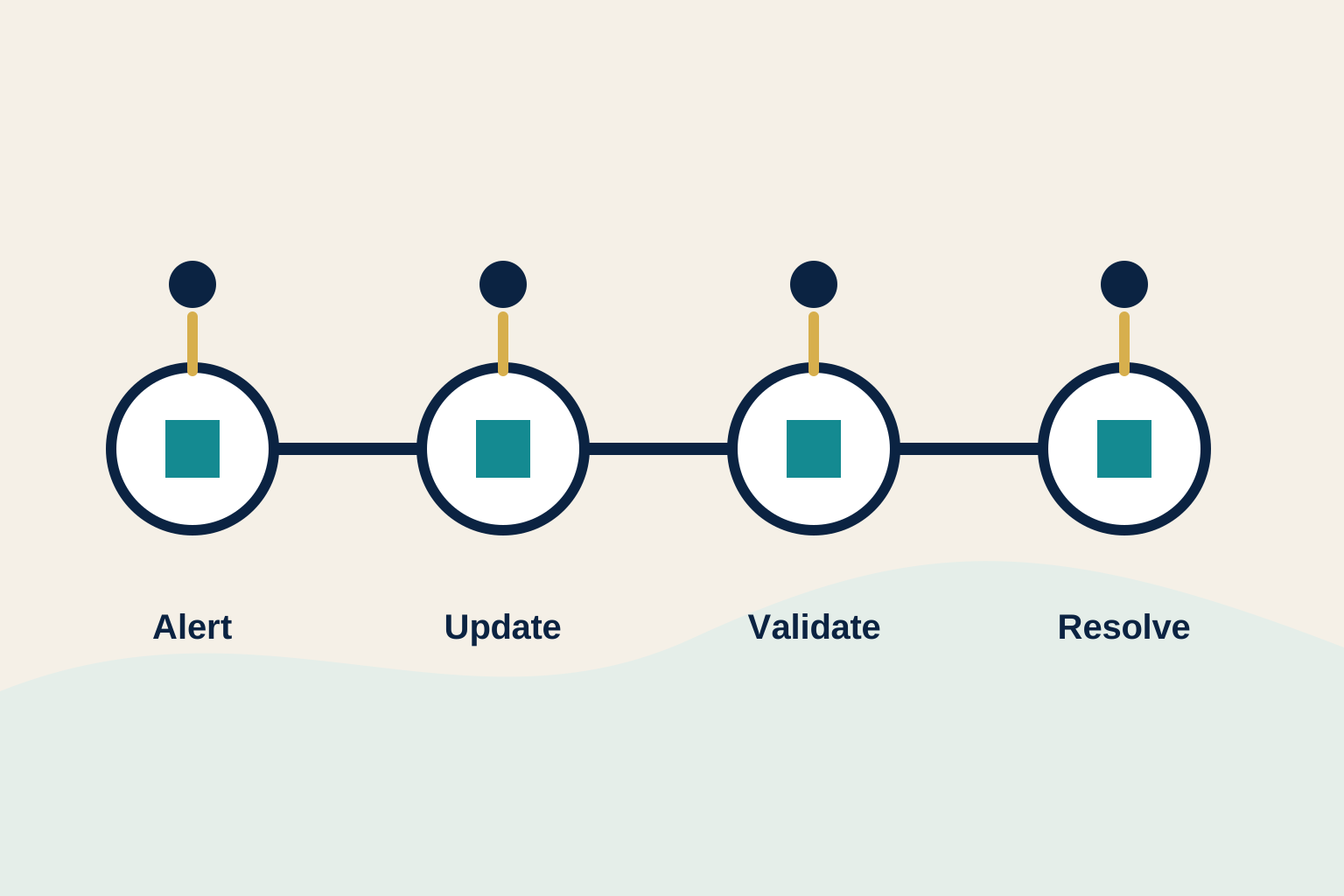
Communication should follow the real recovery sequence. The plan needs a contact point at activation, assessment, restoration, business validation, limited-service operation, and final resolution. A broader disaster recovery plan describes how critical systems and work return. This communication plan explains how people stay oriented while that happens.
Make the handoff explicit. The recovery lead provides technical status. The business owner confirms priority and accepts any temporary workaround. The communications lead turns those facts into audience-appropriate updates. If a cyber incident is possible, coordinate with the owner of the incident response plan before sharing cause, evidence, or scope.
When recovery reaches a usable point, have a real business user validate the result. An application can be online while employees cannot sign in, records are not current, or an integration is still failing. The application disaster recovery plan helps teams define that validation for a critical system.
Use this disaster recovery communication plan template
Keep the plan with the recovery materials people can reach during an interruption. Use the following as the starting structure, then make each line specific to the business.
- Plan owner and alternate: name the communications lead, backup, recovery lead, business decision-maker, and approver.
- Activation triggers: define the disruptions that require an update, such as a critical outage, cyber incident, location problem, or failed restoration.
- Audience matrix: list recovery staff, leaders, employees, customers, vendors, and other parties who may need notification.
- Channel matrix: record the primary and fallback channel for each audience, including access and ownership after hours.
- Message templates: prepare initial notice, progress update, workaround, limited-service, and resolution messages.
- Approval path: state who approves external messages and what must be reviewed before sharing sensitive details.
- Update cadence: set how often each audience receives a confirmed update and who tracks the next deadline.
- Validation and all-clear: name the person who confirms essential work is usable before the final message is sent.
- Exercise record: capture the scenario, actual notification times, failed channels, lessons, owners, and retest date.
Test communications without waiting for a crisis
Run a short tabletop exercise. Choose a realistic scenario, such as an identity outage, a failed restore, a vendor platform interruption, or a suspected ransomware event. Ask the team to activate the call list, send an internal test message, use one fallback channel, draft a customer update, and record the actual timing. The goal is not polished wording. It is to expose missing contacts, unclear authority, inaccessible channels, and handoffs that fail under pressure.
A disaster recovery test plan gives the exercise a practical structure. Pair it with a backup restore test when the scenario includes data recovery. Record what the business could communicate confidently at each stage, not only whether a technical step completed.
Review the plan after every exercise and major change
Contacts, vendors, applications, and communication tools change constantly. A plan that worked six months ago may now point to a former employee, an expired vendor account, or a collaboration channel that depends on the unavailable system. Review the audience matrix after a major technology change, a business acquisition, a new customer commitment, a provider transition, or a real incident.
After a test or disruption, hold a short review with the people who received and sent messages. Ask which update arrived too late, which wording was unclear, which approval caused a delay, and whether anyone lacked a usable channel. Give each improvement an owner and a date, then test the change in the next exercise. The plan becomes credible through these small corrections, not because it looked complete the day it was written.
How ShorePointIT can help
ShorePointIT helps growing organizations bring recovery planning, cybersecurity, responsive support, and vendor coordination into a practical operating rhythm. A free technology and cyber risk assessment can uncover unclear recovery ownership, missing contact paths, weak backup assumptions, and communication gaps before an interruption forces the issue.
Start with one essential service. Decide who owns the next update, where it will go if normal tools fail, and what a business user must confirm before the all-clear. Those small decisions make a recovery plan much easier to use when it matters.

